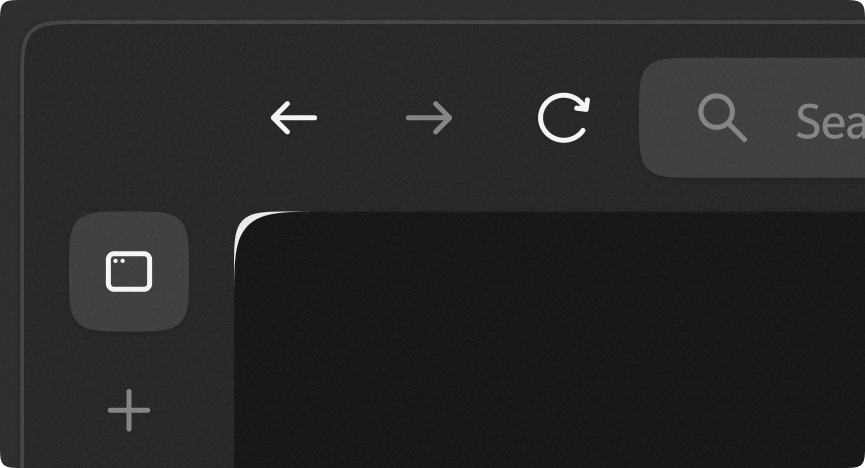
Zen Browser uses border radius to round the corners of the web page.
On some websites, the HTML background color can sometimes bleed-through the edges of the border radius, usually creating a white outline or artifact. This mod prevents this by applying a simple clip-path to the container, without compromising any content on the containers edge.
These mods may break or become depreciated as Zen Browser updates. However, I try to keep them up-to-date with the latest versions of Zen. If something isn't working or doesn't feel right, feel free to submit an issue. Made with 💖 by Roman.
Change log
1.0.6
- 🐛 Fixed clip-path being applied 1 layer too high (see issue #10).
- 📝 Update description to mention possible increase in GPU usage.
1.0.5
- 🩹 Fixed rounded corners from appearing in fullscreen (see pull request #3).
1.0.4
- 🔧 Changed homepage URL path to point to the mod directory itself, instead of the root repository (see pull request #2).
1.0.3
- 🐛 Fixed clip-path not applying to websites using the
backdrop-filtereffect (see pull request #1).
1.0.2
- 📝 Updated README.
- 📝 Added homepage to theme metadata.
1.0.1
- 🔁 Replaced the old thumbnail with a high quality render (1.85:1).
1.0.0
- 💥 Initial submission.